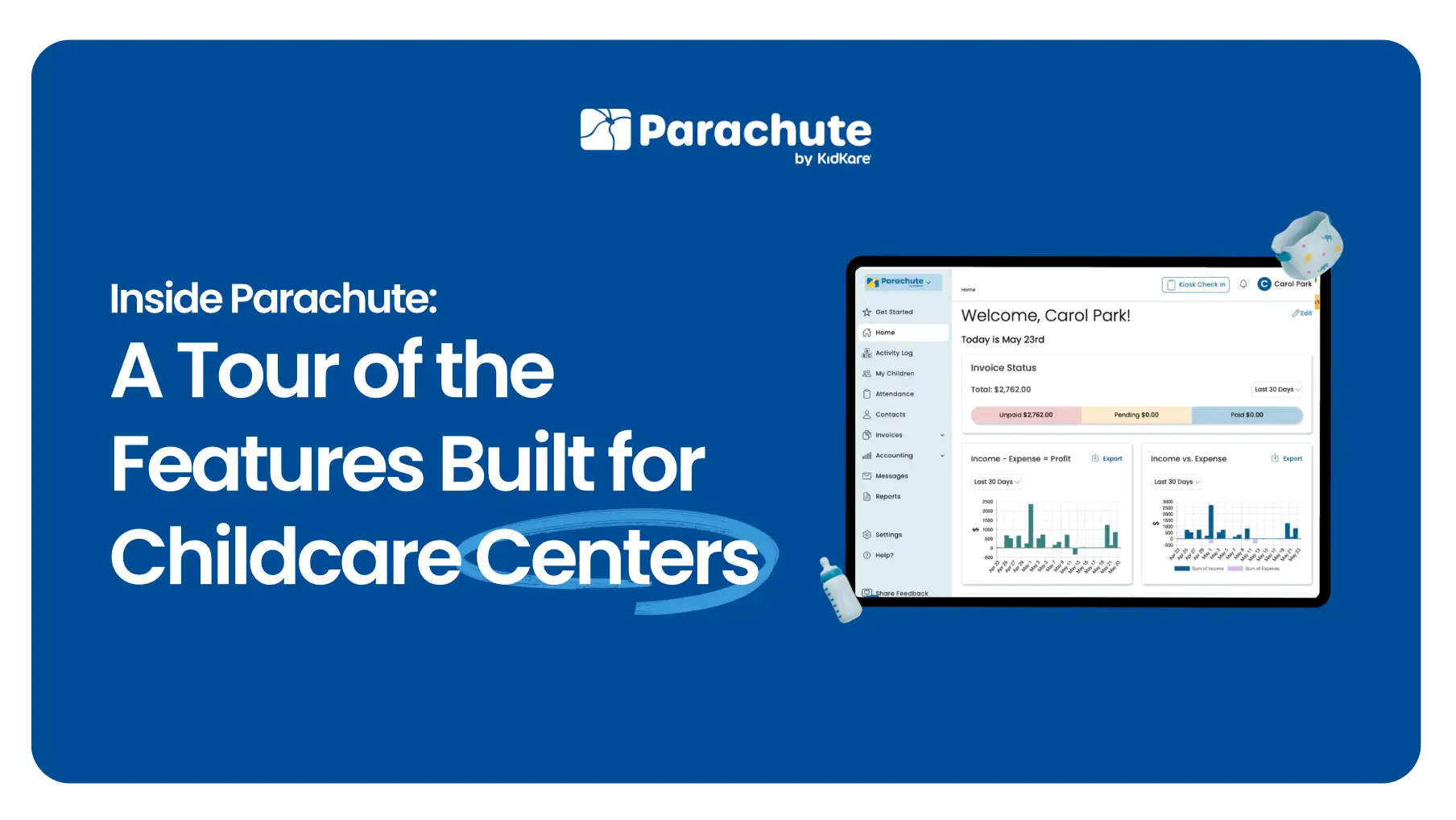
Running a childcare center is two jobs. There’s the work with the children — the part you signed up for. And there’s the work behind the work: pickup signatures, parent communication, invoices, payments, expense tracking, and the recordkeeping that has to hold up year after year.
Parachute is built for that second job. The business side. The admin around the kids that quietly takes over the rest of your week if you let it.
This post is a tour of what’s inside Parachute and what each piece actually does for a center.
The most predictable stress point at almost every center is check-in and pickup time. A clipboard at the door works in theory. In practice, it’s where the most front-of-house chaos lives — different family members showing up, names that get missed, signatures you can’t read three weeks later when somebody asks.
Kiosk-based check-in and check-out, with multiple options to fit your center: PIN codes, digital signatures, or QR codes. Each entry is tied directly to the child’s record, so a complete attendance and pickup history is available the moment anyone asks.
See how kiosk check-in works in Parachute →
Parent communication is one of those tasks that doesn’t feel hard until you add it up. A text in the morning, an email about pickup, a question about billing, a note about a sick day — by the end of the week, you’ve answered the same kinds of questions across four different channels.
Parent messaging lives in the same system as everything else — billing notifications, attendance, daily updates. So when a parent asks something, the answer lives where the rest of the child’s records do. Not in someone’s text thread.
Parents want to know how their child’s day went. The “how was their day?” question at pickup is rarely just small talk — it’s a parent looking for reassurance that their kid is thriving in your care.
✔ What Parachute does
Daily activity logs capture meals, naps, milestones, and moments — with photos and videos attached. Every family gets the same level of detail, sent automatically from one place.
See how parent communication and activity logs work in Parachute →
Tuition is rarely simple. Most centers we talk to are running billing through software that wasn’t built for childcare — it works, but only because someone on your team is making it work.
Recurring invoices, one-time invoices, scheduled invoices, and bulk invoicing — all built for how childcare centers actually run.
On the payer side:
Parent payments and 3rd party payer payments live side by side, with one clean view of what’s been paid and what’s outstanding for every family at any moment.
See how invoicing and payments work in Parachute →
Every center is buying things every week — food, supplies, cleaning, repairs, equipment. Each receipt feels like a small thing. Twelve months of receipts, when it’s time to do anything with them, is a project.
Snap a photo of a receipt at the moment of purchase. Parachute reads the details automatically. Tag it with a category — and if you have multiple funding sources, tag it by funding source too. The record is searchable, attached to your books, and ready when you need it. Categorization happens at entry, not at year-end.
See how receipt capture works in Parachute →
When a question comes up — from a parent, from a payer, from your accountant, or from your own planning — the answer should be a few clicks away, not a multi-day reconstruction project.
Reports built directly from your attendance, billing, and expense data. Pull a parent’s payment history, an attendance summary for any date range, an expense breakdown by category or funding source, or year-end totals — all from the same data you’ve been entering all year.
Parachute isn’t built to replace what you’re already doing well. It’s built to take the small, scattered, repetitive admin tasks off your plate — the ones that quietly take over the rest of your week if nothing organizes them.
A few things to know:
The goal isn’t to add another platform to your stack. It’s to give you one clean place for the parts of running a center that need to be in one clean place.
When the business side of running a center lives in one place, a few things change: